
Just-in-Time Privileged Access Management for MSPs
The content promotes Panthera's Just-in-Time Privileged Access Management solution for Managed Service Providers (MSPs), emphasizing the elimination of static admin rights and credentials through temporary access and credential rotation to prevent costly security breaches like ransomware, ensure business continuity by reducing system compromise risks, and comply with cybersecurity frameworks and insurance requirements.


Just-in-Time Privileged Access Management for MSPs
No Standing Privilege. No Stolen Credentials. No Breaches.


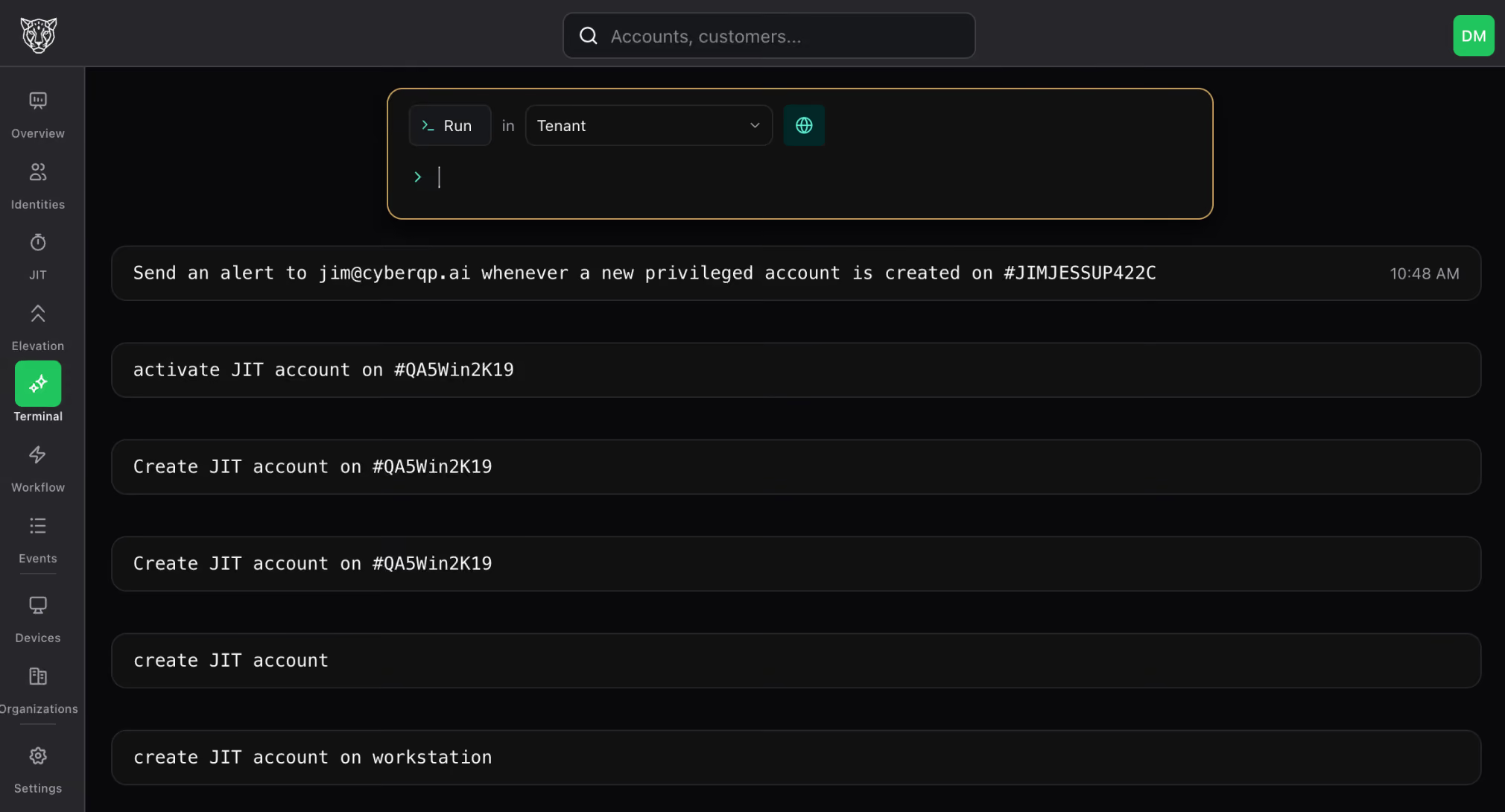
Why Remove Static Admin Rights & Credentials
01
Protects your business from costly security breaches including ransomware attacks
Most breaches start with compromised and valid privileged credentials. Eliminating static admin rights with temporary just-in-time access and removing static admin credentials with credential rotation for Tier 0 accounts slashes the risk of security breaches and ransomware attacks.
02
Ensures Business Continuity and Minimizes Downtime
With Just-in-Time access management and Credential Rotation, attackers have fewer ways to compromise critical systems, meaning less risk of outages or data loss from malicious activity.
03
Meet Compliance & Cyber Insurance Requirements
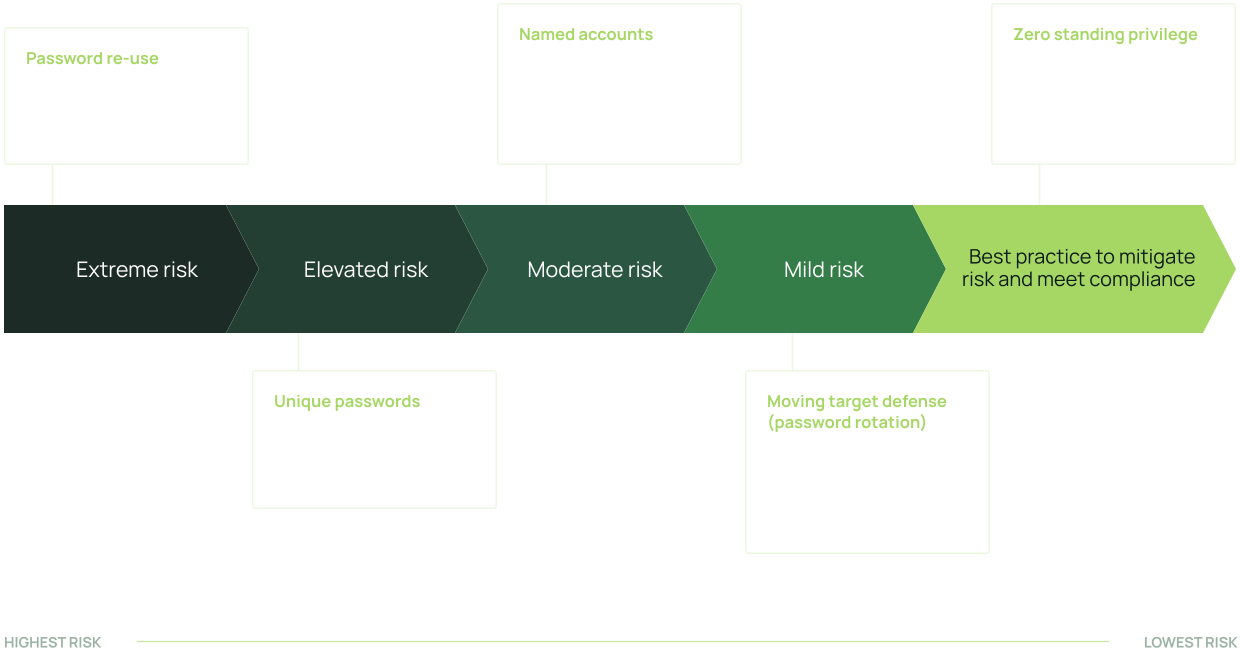
Many compliance frameworks such as NIST 800-53, CIS V8 and CMMC 2.0 and Cyber Insurance requirements require or strongly encourage temporary Just-in-Time access security principles and credential rotation vs static access and credentials.
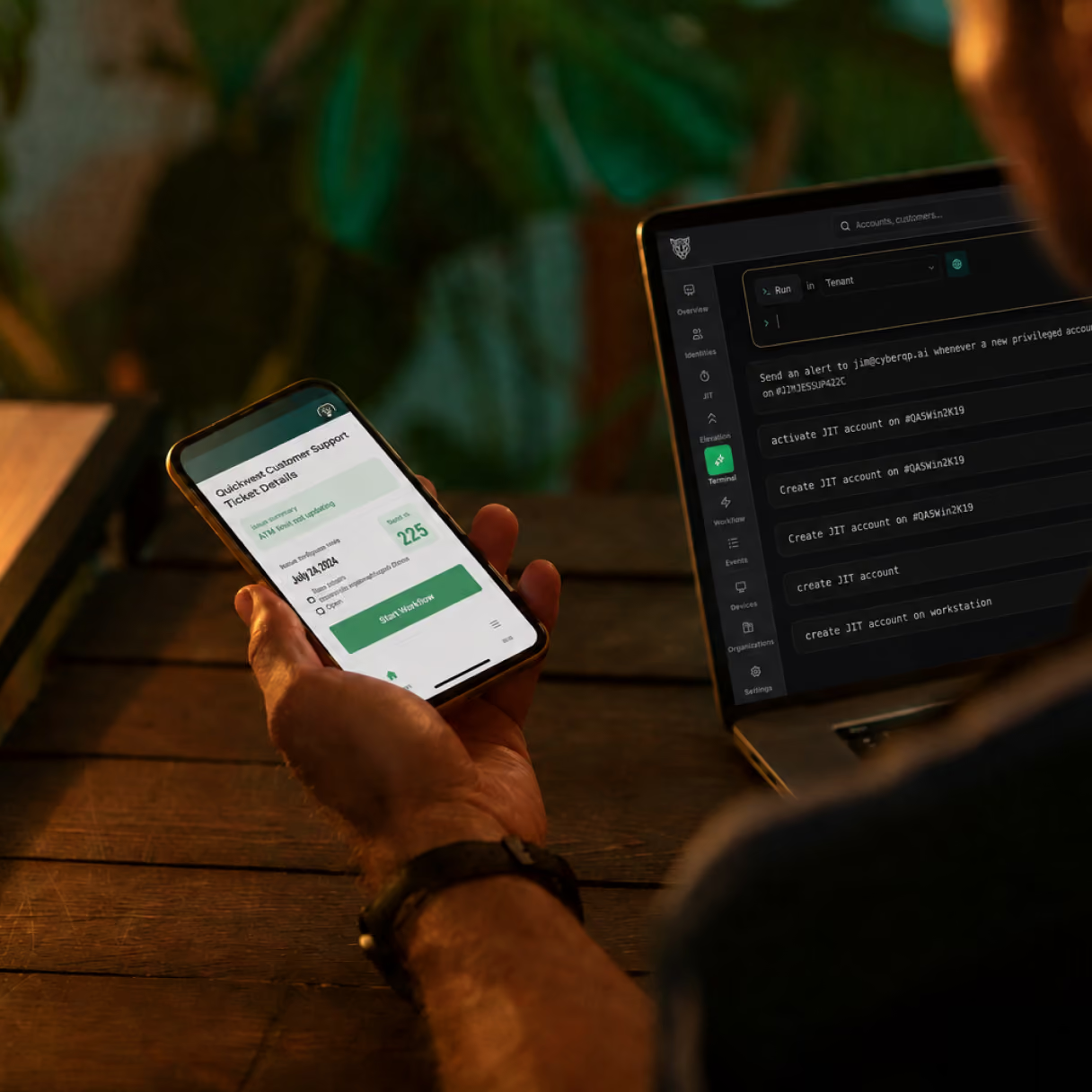
SEE IT IN ACTION
Watch Panthera run privileged access for you.

Panthera: AI-Native Privileged Access Management for MSPs from Jim Jessup on Vimeo

Playing in picture-in-picture
Like
Add to Watch Later
Share
Embed
Play
00:00
02:55
Settings
Speed
QualityAuto
2x
1.5x
1.25x
1x
0.75x
0.5x
Picture-in-Picture
Fullscreen

Maturity score overview

Credential discovery run

Just-in-time access in action

Audit trail and alerting

QGUARD FEATURES
QGuard Features

Privileged Account Just-in-Time Access Management
Achieve Zero Standing and Least Privilege: Eliminate persistent access by provisioning Just-in-Time Access management privileges only when needed
Technician Passwordless Authentication, Tracking & Auditing
Achieve Zero Standing and Least Privilege: Eliminate persistent access by provisioning Just-in-Time Access management privileges only when needed

Automated Credential Rotation
Build a moving target defense. Rotate passwords automatically on shared break-glass accounts, tier 0 identities and non-human service accounts, so stolen credentials stop being useful.
Privileged Account Discovery & Remediation
Prevent privileged account sprawl. Find, audit and remediate unknown, orphaned and over-provisioned privileged accounts before they become an entry point.
Compliance Control Mappings
Meet compliance and cyber insurance requirements. Identity security controls come mapped to NIST 800-53, CIS v8, CMMC 2.0, HIPAA and ISO 27001.
Credential Vault
Store privileged credentials in QGuard, IT Glue or Hudu. Vaulting gives you control, visibility and an audit trail over your most sensitive credentials.
HOW IT WORKS
How QGuard Works
Three controls working together: access that expires on its own, credentials that rotate without anyone touching them, and technician logins that never involve a password.
Activate Just-in-Time Access Management \ \ Eliminate persistent access. Privileges are provisioned only when they are needed, at least privilege, and expire on their own. Automate Credential Rotations \ \ Eliminate static passwords. Automated rotation builds a moving target defense on the accounts attackers go after first. Technician Passwordless Authentication & Auditing \ \ Technicians log into endpoints without a password, using number-matching MFA, with RBAC enforced and a full audit trail behind it.
integrations
Dozens of integrations with the tools you already use

IT Glue

Hudu

Microsoft Active Directory

Microsoft 365

Microsoft Entra ID

Microsoft Windows Local Accounts

DUO
TESTIMONIALS
Trusted by Teams
“CyberQP has helped bring a large amount of value to our clients, frees my techs to do more things, and keeps our customers — which [gives us] real peace of mind.”
JOHN DOUGLAS
“It’s been phenomenal. Everyone was super helpful all the way through… I feel like they’re more invested in us than we’re invested in them.“
RODDY BERGERON
“[CyberQP] gives us the peace of mind knowing that we’re evolving, we’re rotating [privileged account passwords]…we’re making sure that things are different enough that we’ve reduced that potential attack surface.“
RAFFI JAMGOTCHIAN
Run Panthera on your own environment

30 days free trial
No credit card required
Products
Pricing QGuard QDesk Integrations Product Tours Product Roadmap Release Notes
Products
Submit a Ticket Partner Portal Trust Center Knowledge Base
Company
Company Leadership Contact Careers
Resources
Resource Hub Blog White Papers eBooks Webinars Success Stories


© 2026 CyberQP Inc. All rights reserved.
Privacy Policy Terms & Conditions Cookie Policy Consent Preferences