CyberQP

CyberQP Downloads and Security Resources

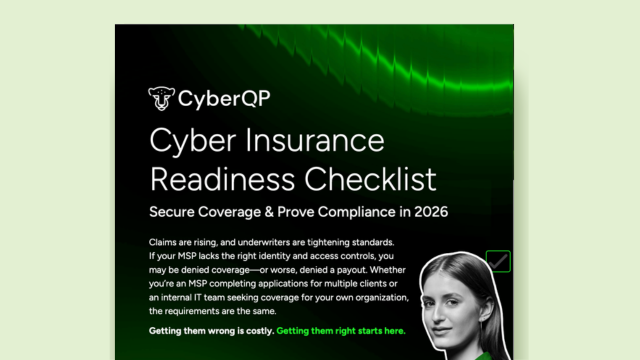
The CyberQP Cyber Insurance Readiness Checklist and guide provide IT leaders with a practical, printable tool to quickly assess and document enforcement of MFA, privileged access controls, audit logging, and deprovisioning workflows, enabling them to confidently demonstrate compliance and secure cyber insurance coverage without costly denials or guesswork.

Cyber Insurance Readiness Checklist

Before applications start hitting your inbox, take two minutes to pressure-test your environment. This printable, shareable Cyber Insurance Checklist helps you quickly assess MFA enforcement, privileged access controls, logging and evidence readiness, and deprovisioning workflows.

Cyber insurance applications aren’t just about answering “yes.” Underwriters want proof. Our Cyber Insurance Readiness Checklist shows exactly what you’ll be asked and how to demonstrate compliance, from MFA enforcement and privileged access controls to audit-ready evidence and deprovisioning workflows.

With this checklist, you can:

  • Quickly verify your security posture before applications hit your inbox
  • Ensure every answer is backed by proof, not guesswork
  • Protect your coverage and avoid costly denials

Above is a sneak peek of the checklist itself, a practical tool you can print, share with your team, and start using today.

The application process doesn’t have to be so daunting. CyberQP maps identity and access controls directly to underwriting requirements, ensuring your answers are accurate, defensible, and ready when carriers or auditors request proof.

Don’t wait until it’s too late. This checklist makes it fast and easy to evaluate your environment and ensure you’re prepared for insurance season. Share it with your team, review your controls, and approach applications with confidence. Download your Cyber Insurance Checklist and get ahead today.

Obtain Cyber Insurance Without The Hassle

Cyber insurance applications are no longer simple checklists, they’re risk declarations that require proof. Documented enforcement of MFA, privileged access management, identity controls, and audit logging is expected before coverage is approved. This guide breaks down what carriers are really asking, where most applications fail, and how IT leaders can confidently prove compliance. Download the guide to ensure your next application is backed with verifiable evidence.

The State of the Cyber Insurance Market

According to industry reporting cited in this guide, 70% of ransomware-related claims were denied in 2025 due to misrepresented or unprovable controls. In many cases, organizations had tools in place, but couldn’t produce the logs, policies, or documentation to prove those controls were enforced at the time of the breach.

If MFA, PAM, or account deprovisioning can’t be demonstrated with evidence, the answer may effectively become “no” when it matters most.

When “Yes” Isn’t Enough

Many organizations check the box for MFA, PAM, or access controls assuming that having the tool in place is enough. It isn’t. Underwriters now expect proof of enforcement, not proof of purchase. That means screenshots of configuration, audit logs tied to real users, documented policies, and evidence that controls were active at the time of a breach.

Cyber insurance applications aren’t just about answering “yes.” Underwriters want proof. Our Cyber Insurance Readiness Checklist shows exactly what you’ll be asked and how to demonstrate compliance, from MFA enforcement and privileged access controls to audit-ready evidence and deprovisioning workflows.

With this checklist, you can:

  • Quickly verify your security posture before applications hit your inbox
  • Ensure every answer is backed by proof, not guesswork
  • Protect your coverage and avoid costly denials

Above is a sneak peek of the checklist itself, a practical tool you can print, share with your team, and start using today.

PAM & Identity Security Buyer’s Guide

Most security demos are built to impress, not to work in real environments. This guide helps you evaluate privileged access and identity security tools based on real risk, real workflows, and the questions vendors hope you don’t ask. Use it to cut through the noise and choose a solution that actually reduces breach exposure across your helpdesk, endpoints, and users.

The Real Problem You’re Trying to Solve

Achieving Zero Standing and Least Privilege

Our PAM offering removes standing admin rights and replaces them with just-in-time, time-bound elevation for both technicians and end users. Access is granted only for the specific task or session needed, then automatically revoked, eliminating privilege creep and reducing the blast radius if an account is compromised.

Building a Moving Target Defense

CyberQP continuously rotates credentials, removes static access paths, and prevents shared or stale privileges from lingering in the environment. By making credentials temporary, access dynamic, and privileges ephemeral, attackers lose the persistent footholds they rely on for lateral movement.

Eliminating Unauthorized Access

We close the gaps attackers exploit by enforcing identity verification before any password reset, elevation, or access approval occurs. By embedding verification directly into helpdesk and endpoint workflows, IT teams prevent impersonation, social engineering, and unauthorized privilege requests before they ever become a risk.

Meeting Compliance and Cyber Insurance Requirements

Every access request, approval, verification, and elevation is automatically logged and tied to a verified identity. This gives IT and security teams exportable audit trails that prove least privilege enforcement, identity assurance, and access control for frameworks like SOC 2, HIPAA, NIST, and for cyber insurance evidence requirements.

The Hidden Risks You Might Be Ignoring

  • Standing admin access: Creates persistent pathways for lateral movement—even after offboarding.
  • Weak Offboarding: Disables email but leaves access rights in AD, SaaS, or cloud systems.
  • Shared Credentials: Prevents accountability and makes audit trails meaningless.
  • Orphaned Accounts: Common after M&A, terminations, or contractor churn. Easy entry point for attackers.
  • Over-Permissioned Service Accounts: Often excluded from audits but capable of high-impact actions.

Partner Stories

Discover how help desks using CyberQP are securing their identity-based attack surfaces, eliminating standing privileges, and staying ahead of evolving threats. Experience the confidence that comes with a Zero Trust approach.

“CyberQP has helped bring a large amount of value to our clients, frees my techs to do more things, and keeps our customers — which [gives us] real peace of mind.”

— John Douglas

“It’s been phenomenal. Everyone was super helpful all the way through… I feel like they’re more invested in us than we’re invested in them.“

– Roddy Bergeron

“[CyberQP] gives us the peace of mind knowing that we’re evolving, we’re rotating [privileged account passwords]…we’re making sure that things are different enough that we’ve reduced that potential attack surface.“

– Raffi Jamgotchian

“We’ve rolled out the agent to almost every managed customer. We implement password changes to uphold their agreement to their errors, omissions and professional liability policy.“

– Michael Goldstein

“We were looking for automation more than anything else in our security stack. CyberQP brought that to the table. They allowed us to automate admin password changes, rotate them, and know that we have that comfort.“

– Atul Bhagat

ISO 27001:2002 Product Control Mappings

ISO/IEC 27001:2022 CONTROL MAPPINGS

Meeting ISO/IEC 27001 requirements around access control, authentication, and least privilege is challenging without the right tooling in place. This product control mapping shows how CyberQP’s solutions help IT teams reduce risk and produce clear audit evidence.

How CyberQP Supports ISO/IEC 27001:2022

Privileged Account Just-in-Time (JIT) Access

Controls: 5.16, 5.18, 8.02

The Gap: ISO/IEC 27001 requires organizations to tightly control privileged access, enforce least privilege, and ensure that elevated access is granted only when necessary. Standing admin accounts and shared credentials increase the risk of unauthorized access and audit findings.

CyberQP’s QGuard eliminates standing privileged access by issuing credentials only when needed through Just-in-Time (JIT) workflows. Access is time-bound, fully audited, and tied to individual technicians, reducing credential exposure while giving IT teams clear evidence of least-privilege enforcement during audits.

Passwordless Authentication, Identity Verification & Auditing

Controls: 5.17, 8.05, 8.15

The Gap: ISO/IEC 27001 emphasizes secure authentication, identity management, and activity logging. Password-based workflows and weak identity verification increase the risk of unauthorized access and make it harder to prove control effectiveness.

CyberQP replaces password-based privileged workflows with passwordless authentication, strong identity verification, and comprehensive logging. Every access request, approval, and action is tracked and auditable, giving IT teams clear evidence of who accessed what, when, and why, without relying on shared credentials or insecure processes.

Endpoint Privilege Management & Elevation Controls

Controls: 5.15, 5.18, 8.02

The Gap: Maintaining least privilege at the endpoint level is difficult without disrupting users. ISO/IEC 27001 requires organizations to limit privileged access while still enabling legitimate business tasks.

CyberQP provides controlled elevation workflows, Audit Mode visibility, and policy-based approvals for applications and processes. IT teams can confidently remove local admin rights, approve only what’s necessary, and demonstrate controlled privilege escalation without increasing help desk volume or end-user friction.

CyberQP QGuard Whitepaper

QGuard Whitepaper

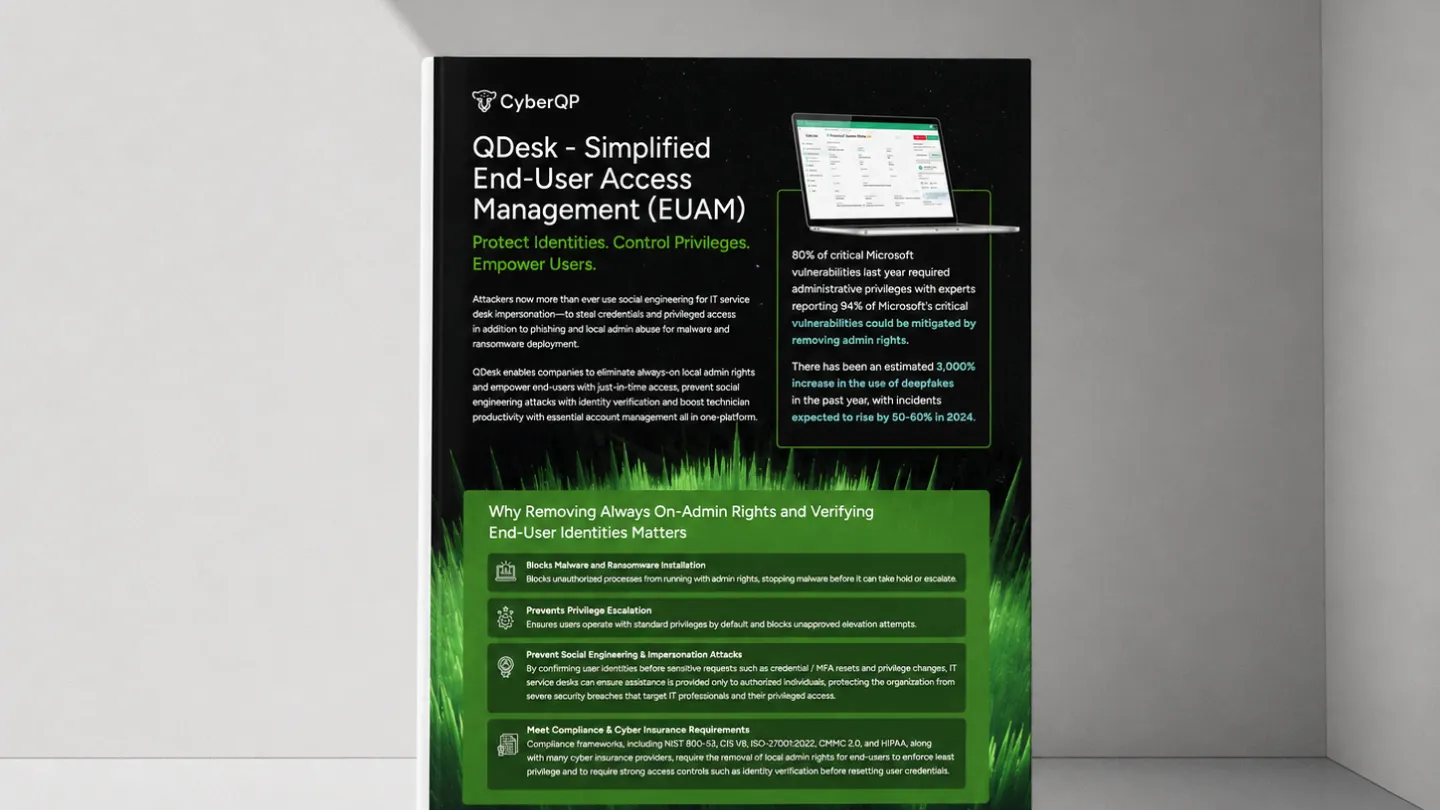
CyberQP makes Zero Trust simple and effective. Our platform verifies every access request and enforces least privilege access, so users only get what they need, when they need it, nothing more.

With built-in tools like QGuard for secure, time-limited technician access and QDesk for smart end-user privilege management, CyberQP helps you reduce risk, stop ransomware, and block credential-based attacks before they start.

HIPAA Control Mappings | CyberQP eBook

HIPAA CONTROL MAPPINGS

Download the HIPAA Control Mapping and Prove Your Access Controls

Where Access Is Granted, Security Must Be Enforced.

Healthcare breaches don’t start with networks, they start with identity. In hospitals and healthcare environments, every login, password reset, and privilege elevation can put ePHI at risk. This eBook explores how identity-first access controls help IT teams enforce least privilege, verify users at the point of access, and maintain audit-ready compliance with HIPAA requirements.

How Privileged Access and Identity Controls Map to HIPAA Requirements

HIPAA compliance isn’t just about implementing security controls, it’s about clearly demonstrating how access to ePHI is governed, verified, and audited. This resource maps HIPAA Security Rule requirements directly to CyberQP capabilities and shows exactly how controls are enforced across healthcare environments.

Instead of relying on assumptions or fragmented documentation, you gain clear, audit-ready visibility into which HIPAA controls CyberQP supports. The result is faster audits and greater confidence when protecting patient data.

How CyberQP Enforces and Audits Privileged Access

Privileged Account Just-in-Time (JIT) Access

Control area: §164.312(b) Audit Controls

CyberQP’s JIT access enforces temporary, context-based privilege elevation so users and technicians don’t retain standing administrative rights. All JIT sessions are logged and auditable, helping satisfy audit control requirements around monitoring and examining system activity.

Passwordless MFA for Technicians

Control area: §164.308(a)(5)(ii)(C) Log-in Monitoring, §164.312(a)(2)(iii) Automatic Logoff

CyberQP enables passwordless authentication and session tracking for technicians and privileged users. This improves log-in monitoring and auditing, while automatic session termination and authentication events align with controls around termination of inactive sessions.

Self-Service Password Reset (SSPR)

Control area: §164.308(a)(5)(ii)(D) Password Management

CyberQP’s self-service password reset workflows are tied to identity assurance, reducing helpdesk risk, and enabling compliant password lifecycle processes.